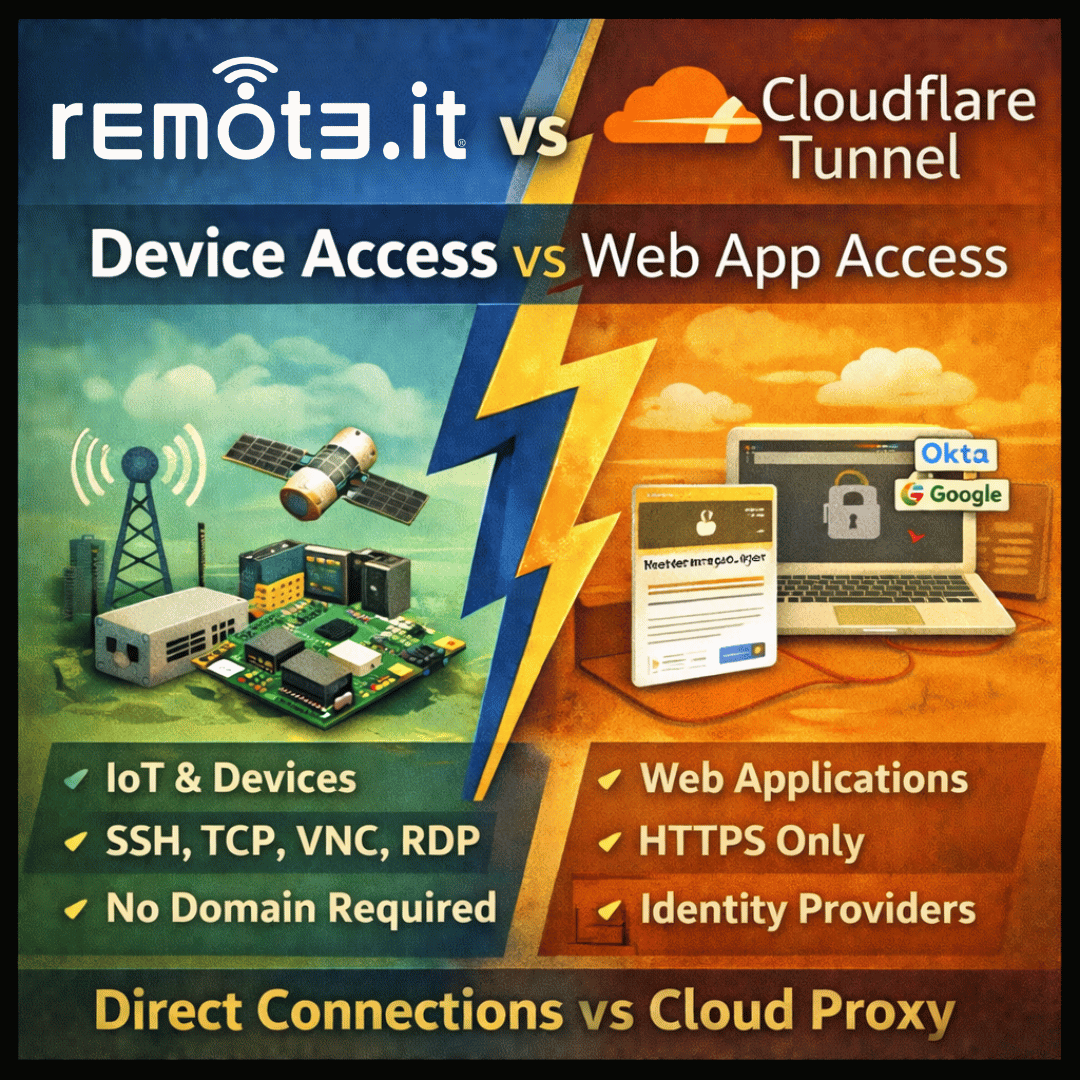
Both eliminate open ports. They approach access control and device management very differently.
The short answer
Cloudflare Tunnel is a powerful, free tool for securely exposing web applications — HTTP and HTTPS services — through Cloudflare’s global network, with identity-based access control. It works best when you already use Cloudflare for DNS and want to protect web apps.
Remote.it is a device-centric access platform. It handles SSH, VNC, RDP, and raw TCP — not just web traffic — and is built for connecting to individual machines, IoT hardware, and services running on networks with no public IP. It does not require your device to run a DNS record or live behind Cloudflare’s network.
When to use remote.it
✓ You need SSH, VNC, or RDP access — Cloudflare Tunnel does not support non-HTTP protocols by default.
✓ Your devices are on cellular, Starlink, or CGNAT networks without a domain name.
✓ You are managing hardware devices, not web applications.
✓ You want access control at the service level, not just the identity level.
✓ You do not want to route all traffic through Cloudflare’s network.
✓ You need to provision many devices via API without DNS or domain configuration per device.
When Cloudflare Tunnel is a better fit
– You are exposing a web application (HTTP/HTTPS) and already use Cloudflare for DNS.
– You want identity-provider-based access (Google, Okta, Azure AD) for up to 50 users for free.
– Your use case is protecting a self-hosted web service, not accessing a device remotely.
– You need a public-facing URL with Cloudflare’s CDN and DDoS protection in front.
Feature Comparison
| Feature | remote.it | Cloudflare Tunnel |
|---|---|---|
| SSH access | Yes — first-class feature | No native SSH tunnel — requires a workaround via cloudflared SSH proxy |
| VNC / RDP access | Yes — supported natively | No — HTTP/S only by default |
| UDP protocol support | Yes | No — TCP only |
| Requires a domain name | No — no DNS required per device | Yes — domain must be managed by Cloudflare |
| Works behind CGNAT / no public IP | Yes — core use case | Yes — outbound tunnel requires no public IP |
| IoT / embedded hardware | Yes — lightweight agent, ARM and MIPS support | cloudflared runs on Linux ARM but has more dependencies |
| Access control model | Per user, per device, per service (port-level) | Identity-provider-based; app-level policies |
| SSO / identity provider integration | Yes (Business plan) | Yes — included free for up to 50 users |
| Free tier | Unlimited devices, 5 connections | Up to 50 users (Zero Trust free plan) |
| Traffic routed through third-party network | No — peer-to-peer or remote.it relay only | Yes — all traffic routes through Cloudflare’s network |
| Device fleet management dashboard | Yes | No — not designed for device fleets |
| API for device provisioning | Yes — full REST API | Yes — Cloudflare API |
| Requires a Cloudflare account | No | Yes |
| Log retention on free tier | Standard logging | 24 hours only — 6 months requires Enterprise |
| Pricing model | Per device | Per user — free up to 50, then $7/user/month |
Pricing Comparison
| Tier | remote.it | Cloudflare Tunnel |
|---|---|---|
| Free | Personal — unlimited devices, 5 connections, always-on | Zero Trust free — up to 50 users, 24-hour log retention |
| Paid entry | Professional — per device pricing | $7/user/month (billed annually) for more than 50 users |
| Enterprise | Custom volume device licensing | Custom — 6-month log retention, SLA, dedicated support |
| SSH on free plan? | Yes | Not officially supported — requires workaround |
| Best for | Device access, IoT, SSH, VNC, non-HTTP services | Protecting web apps with identity-gated HTTP access |
The protocol gap
Cloudflare Tunnel is HTTP/S only. It does not natively support SSH, VNC, RDP, or raw TCP services. If you need terminal access to a server or device — which is the most common reason developers need remote access tools — Cloudflare Tunnel requires workarounds that add complexity. Remote.it treats SSH as a first-class feature.
Frequently asked questions
Can I use both remote.it and Cloudflare Tunnel together?
Yes. They serve different purposes. Cloudflare Tunnel handles public-facing web traffic with identity-based access for your users. Remote.it handles direct device access — SSH, VNC, RDP — for your engineering team. Many teams use both.
Does remote.it require a Cloudflare account?
No. Remote.it operates independently of Cloudflare. You do not need a domain on Cloudflare, a Cloudflare account, or any Cloudflare products. Remote.it works on any device on any network.
CloudflareTunnel is free for 50 users. Why would I pay for remote.it?
Cloudflare Tunnel is free for HTTP-based access for up to 50 users. Remote.it is free for unlimited devices with SSH and TCP access. They are measuring different things. If your team needs SSH or terminal access to servers and devices, remote.it covers that use case directly — on the free plan — without workarounds.
My IoT devices do not have a Cloudflare-managed domain. Does Cloudflare Tunnel work?
No. Cloudflare Tunnel requires your domain’s DNS to be managed by Cloudflare. Each service you expose needs a hostname under that domain. For IoT devices at the edge — especially those on cellular or satellite networks — this adds management overhead that remote.it eliminates entirely.
Access any device with SSH, VNC, or RDP — no domain, no open ports, no Cloudflare required.
Start free at https://app.remote.it/#/sign-up
Free plan includes SSH access on unlimited devices.