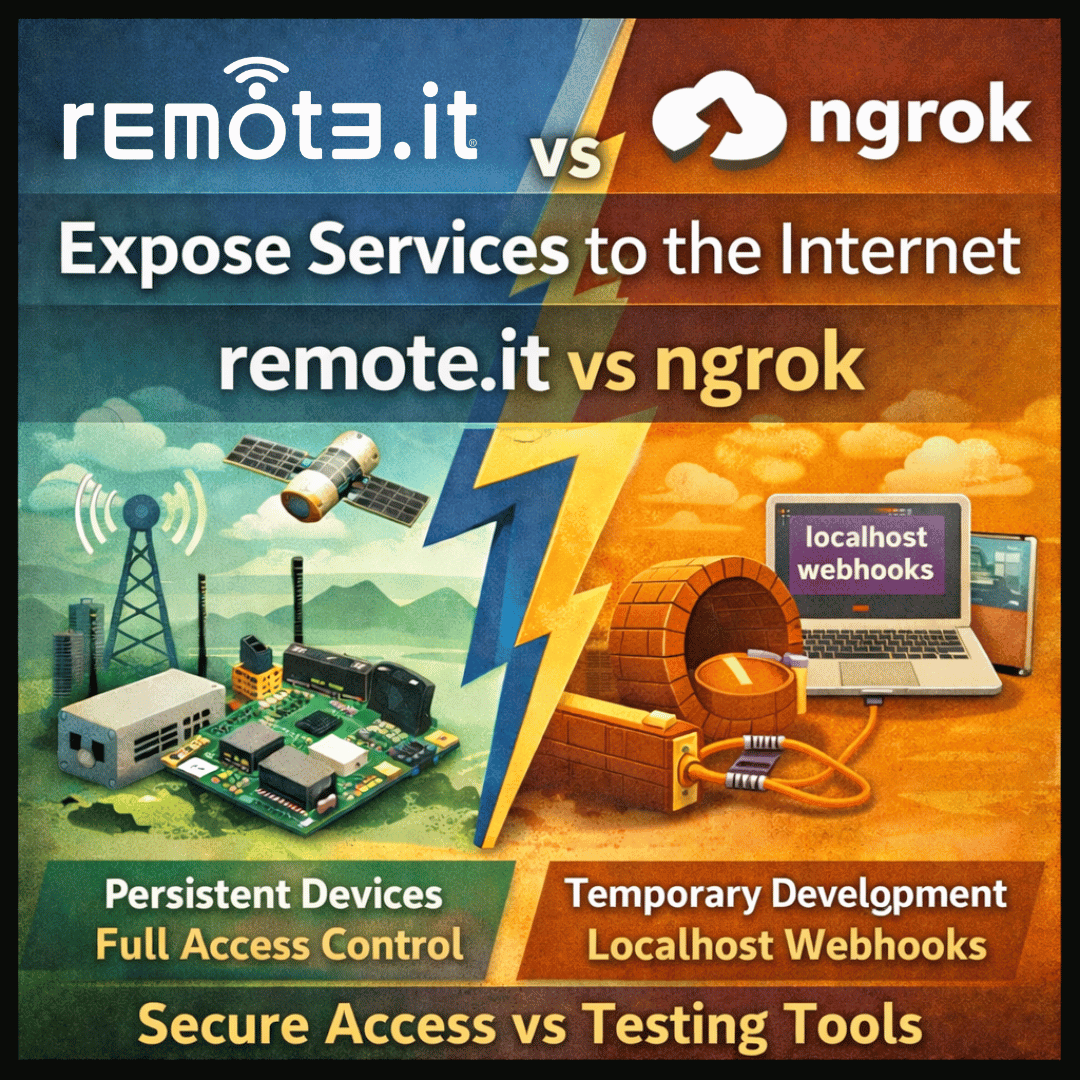
Both expose local services to the internet. They solve very different problems.
The short answer
Ngrok was built for developers who need to temporarily expose a localhost port during development — demos, webhooks, quick tests. It routes traffic through ngrok’s cloud infrastructure and gives you a public URL. Remote.it was built for persistent, secure, production-grade remote access to real devices and services — with zero open ports, full access control, and a pricing model that scales to device fleets.
In early 2026, ngrok significantly restricted its free tier: sessions now cap at 2 hours, random URLs are forced on free accounts, bandwidth is capped at 1GB per month, and all visitors see an interstitial warning page. If you were using ngrok free for anything serious, the clock has run out.
ngrok free tier changes — February 2026
ngrok’s free plan now limits tunnel sessions to 2 hours maximum, caps monthly bandwidth at 1GB, forces random (non-persistent) URLs, and shows an interstitial warning page to every visitor. These restrictions make the free tier unsuitable for any production use or persistent device access.
When to use remote.it
✓ You need persistent, always-on remote access — not a temporary tunnel that expires after 2 hours.
✓ You are accessing real devices (servers, Raspberry Pi, IoT hardware, cloud VMs) rather than a localhost dev server.
✓ You need production-grade access with access control, audit logs, and no traffic interstitial pages.
✓ You have more than one device to manage and do not want per-seat SaaS pricing.
✓ You need SSH, VNC, or RDP access — not just HTTP tunneling.
✓ Your devices are behind CGNAT, 5G, or Starlink with no static IP.
When ngrok is a better fit
– You are a developer who needs a quick public URL for a local webhook test or live demo.
– The tunnel only needs to last a few hours and you are on a paid ngrok plan.
– You need an HTTP reverse proxy with traffic inspection and replay features.
– You are building and testing a web app locally and need to share it temporarily.
Feature Comparison
| Feature | remote.it | ngrok |
|---|---|---|
| Persistent, always-on connections | Yes — stays connected indefinitely | No — free plan caps sessions at 2 hours; paid plan required for persistent tunnels |
| Traffic interstitial / warning page | None — direct connection | Free plan forces an interstitial warning page for all visitors |
| Protocol support | TCP, SSH, VNC, RDP, HTTP, custom ports | TCP and HTTP/S only — no UDP |
| Works behind CGNAT / no public IP | Yes — core use case | Yes — all traffic routes through ngrok’s cloud |
| Access control | Yes — per user, per device, per service | Limited — basic IP restrictions on paid plans |
| Audit logging | Yes (Business plan) | Yes (Pro and Enterprise) |
| Device fleet management | Yes — manage hundreds of devices from one dashboard | No — single-tunnel model, not designed for fleets |
| IoT / embedded hardware | Yes — lightweight agent, ARM and MIPS support | Not designed for IoT; agent requires more resources |
| SSH access | Yes — first-class feature | Indirect — you can tunnel the port, but no SSH-specific features |
| API for programmatic provisioning | Yes — full REST API | Yes — ngrok API available |
| Custom domain support | Yes | Yes (paid plans only) |
| Traffic inspection and replay | No | Yes — ngrok’s strongest feature for web development |
| Free tier (2026) | Unlimited devices, always-on, no interstitial | 2-hour sessions, 1GB/month bandwidth, random URLs, interstitial warning page |
| Pricing model | Per device | Per seat plus bandwidth and usage |
Pricing Comparison
| Tier | remote.it | ngrok |
|---|---|---|
| Free | Personal plan — unlimited devices, always-on | 2-hour sessions, 1GB/month bandwidth, random URLs, interstitial warning page |
| Entry paid | Professional — per device pricing | Personal: $5/month (billed annually) — 5GB bandwidth, 3 endpoints |
| Pro | Business — org management, audit logs, SAML | Pro: $20/month — higher limits, custom domains, no interstitial |
| Enterprise | Custom volume device pricing | Custom — SSO/SCIM, SLA, dedicated support |
| Best for | Persistent device access, IoT, production infrastructure | Local development, temporary webhooks, short-lived demos |
Frequently asked questions
Can I switch from ngrok to remote.it without changing my code?
For SSH, VNC, or RDP access — yes, the setup is straightforward and remote.it’s client provides similar connection mechanics. For HTTP services with traffic inspection, some ngrok-specific features (like request replay) do not have a direct equivalent, but for production access those features are rarely needed.
Does remote.it work for webhook testing during development?
Remote.it is designed for persistent device access, not temporary webhook exposure. For short-lived webhook testing during development, ngrok is still a reasonable choice. For everything else — connecting to your actual servers, IoT devices, or production infrastructure — remote.it is the better fit.
My ngrok free tunnels keep expiring. What do I do?
Remote.it’s personal plan includes persistent, always-on connections with no session expiry. If you were using ngrok free for anything that needs to stay connected, remote.it is a direct replacement with better access controls and no interstitial page.
Does remote.it support multiple devices?
Yes. Remote.it is designed to manage many devices from a single dashboard. The API supports programmaticregistration, so you can provision devices at scale — during manufacturing, CI/CD, or cloud VM spin-up.
Start for free — no session limits, no interstitial pages, no expiring tunnels.
Create your free remote.it account at remote.it/signup
Persistent connections on the free plan. No credit card required.